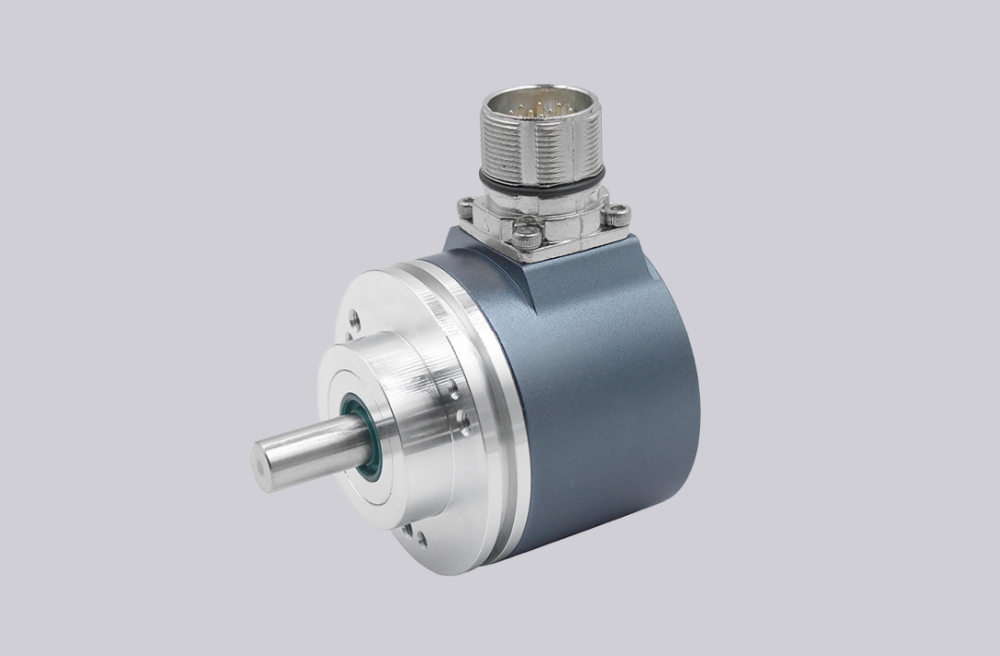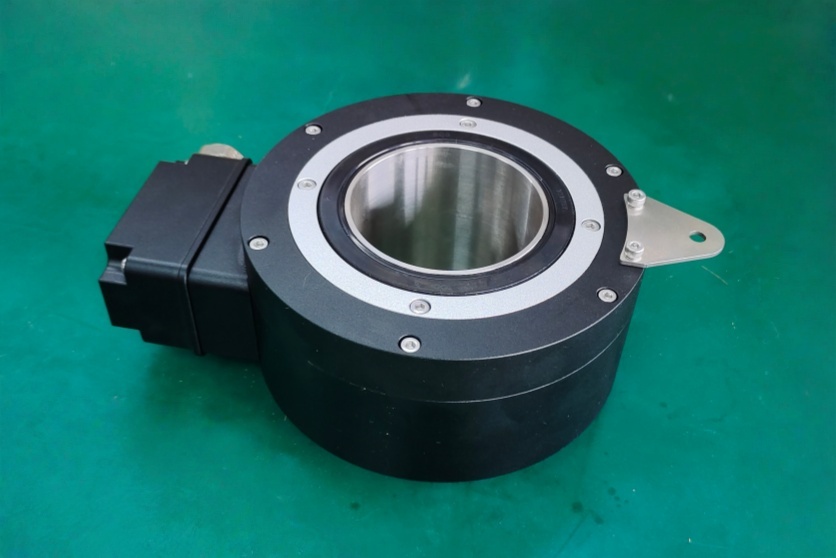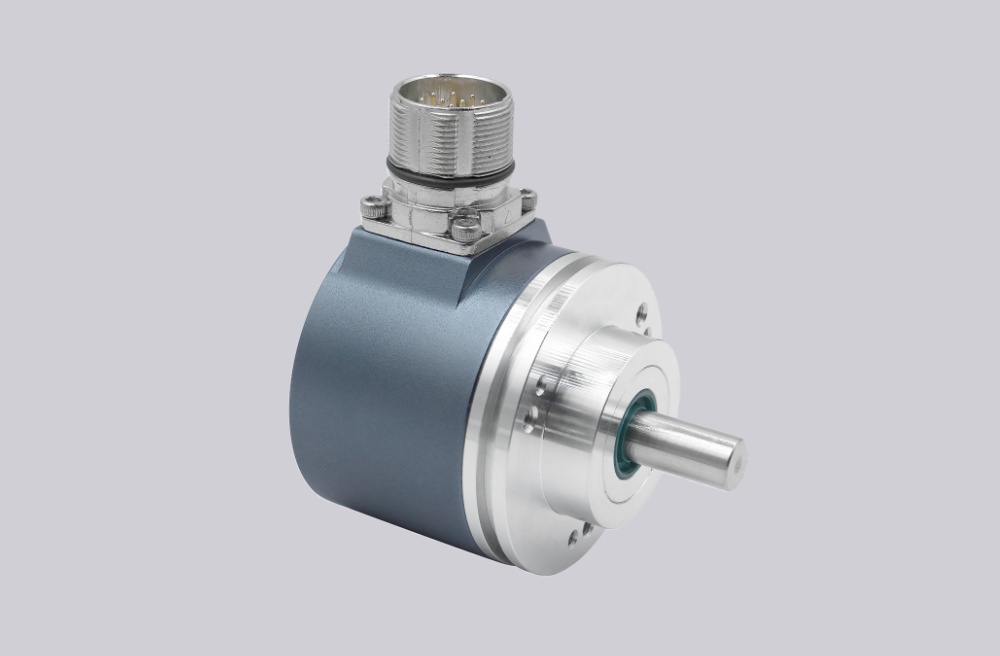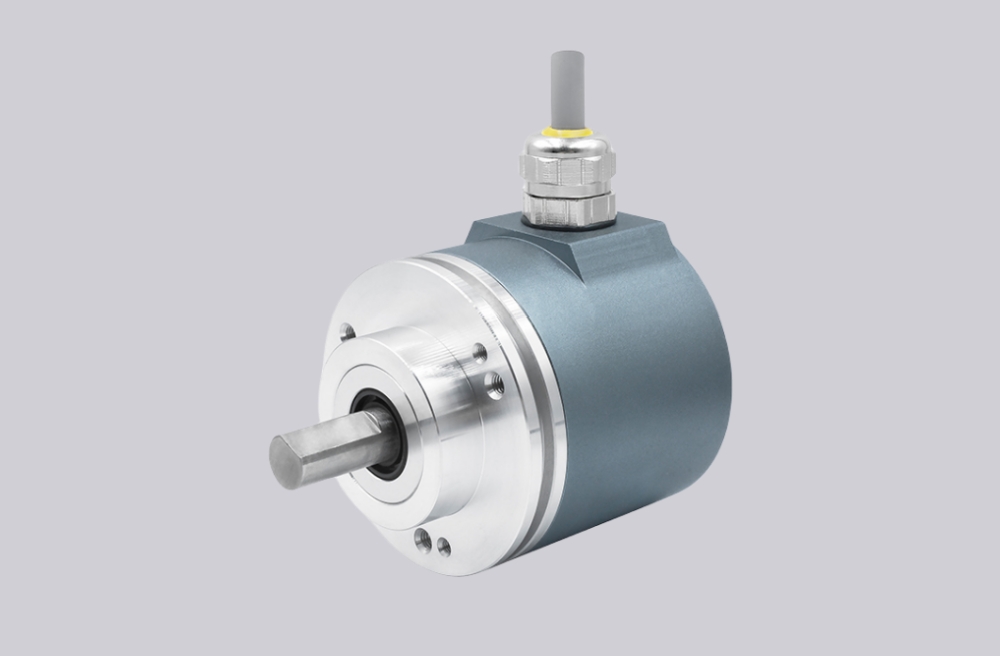




PROFIBUS-DP encoders are widely used in industrial automation systems where structured fieldbus communication and direct integration with PLCs are required. In practical applications, however, most integration issues are not caused by hardware failure, but by mismatches in addressing, configuration, or system-level setup.
One of the most fundamental requirements in a PROFIBUS network is correct address assignment. Each device must have a unique address within the network. If duplicate addresses are present, communication conflicts occur even when wiring and power conditions are correct. In many cases, the system may appear partially functional, but data exchange becomes unstable or unpredictable.
In encoder applications, address configuration is typically set through hardware switches located on the device. This makes physical verification essential during commissioning and replacement. A newly installed encoder may use a default address that does not match the existing system, leading to a situation where the device is powered but not recognized by the controller.
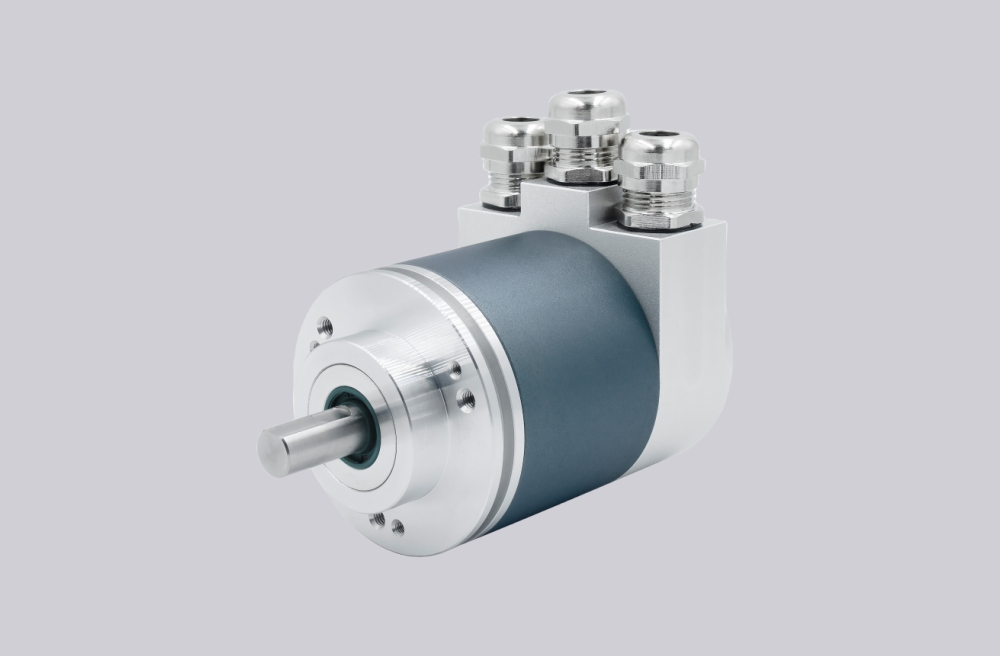
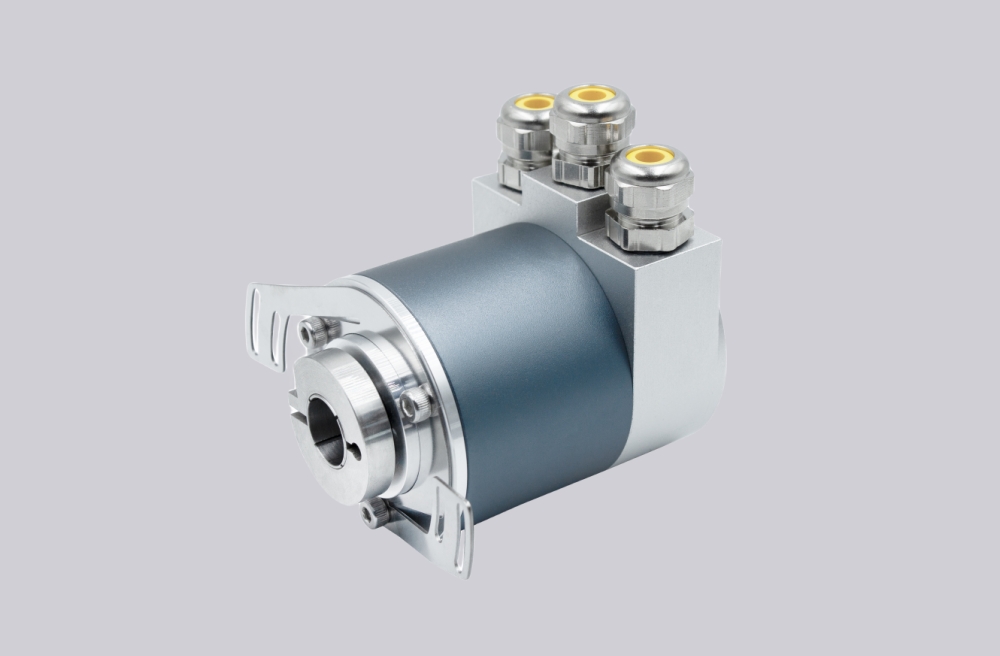
Beyond addressing, successful integration depends on correct configuration within the PLC. The encoder must be defined using the appropriate device description, ensuring that data length, data structure, and communication parameters are consistent. Even when communication is established, mismatched configuration can result in incorrect position data or unusable feedback.
Parameter configuration is another critical layer. PROFIBUS encoders often support functions such as scaling, preset position, rotation direction, and multi-turn settings. These parameters must align with the control logic of the system. Incorrect configuration may not interrupt communication, but can lead to reversed direction, offset position values, or inconsistent system behavior.
Installation quality also plays a significant role in communication reliability. Although PROFIBUS is designed for industrial environments, issues such as poor connector quality, inadequate shielding, or damaged cables can introduce intermittent faults. In practice, many communication problems originate from wiring and connection issues rather than from the encoder itself.
From an engineering perspective, PROFIBUS encoder integration should be approached as a multi-level system task. Three levels must be considered simultaneously: physical installation, bus communication, and application-level configuration. Focusing on only one level often leads to misleading results during troubleshooting.
A practical integration sequence typically follows a structured approach. Address assignment should be verified first, followed by confirmation of PLC configuration and device description. Parameter settings should then be adjusted according to application requirements, and full system testing should only be performed after these steps are completed.
In real industrial systems, communication stability does not guarantee correct operation. Many failures occur when data is transmitted successfully but interpreted incorrectly by the controller. For this reason, both communication integrity and data consistency must be verified during commissioning.
This article outlines the key considerations for PROFIBUS encoder address setting and integration and highlights the common causes of system-level issues in industrial applications.
https://www.encoderworks.com/solutions/profibus