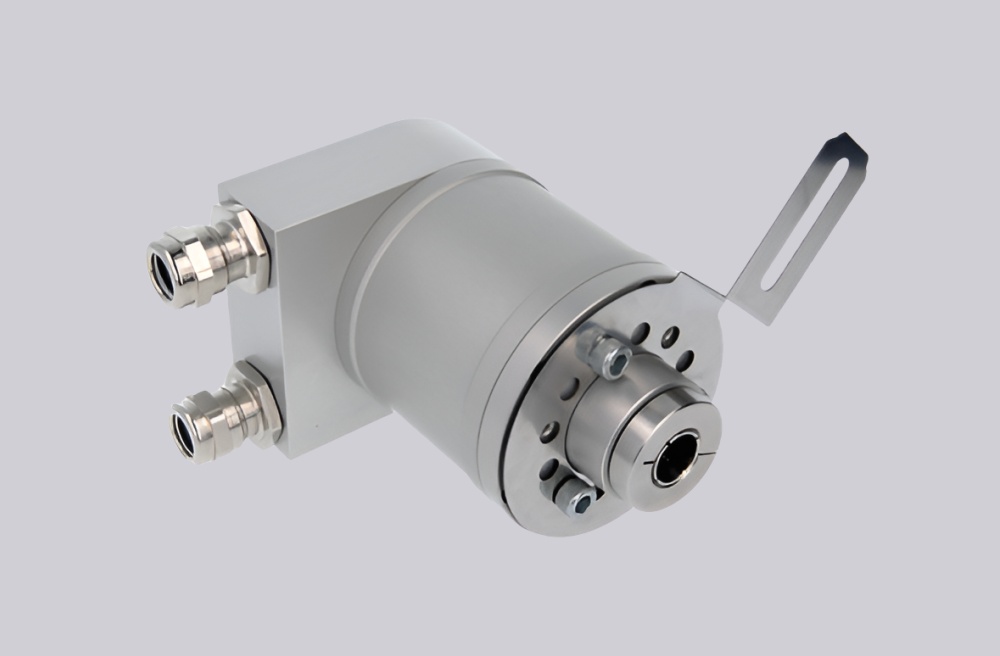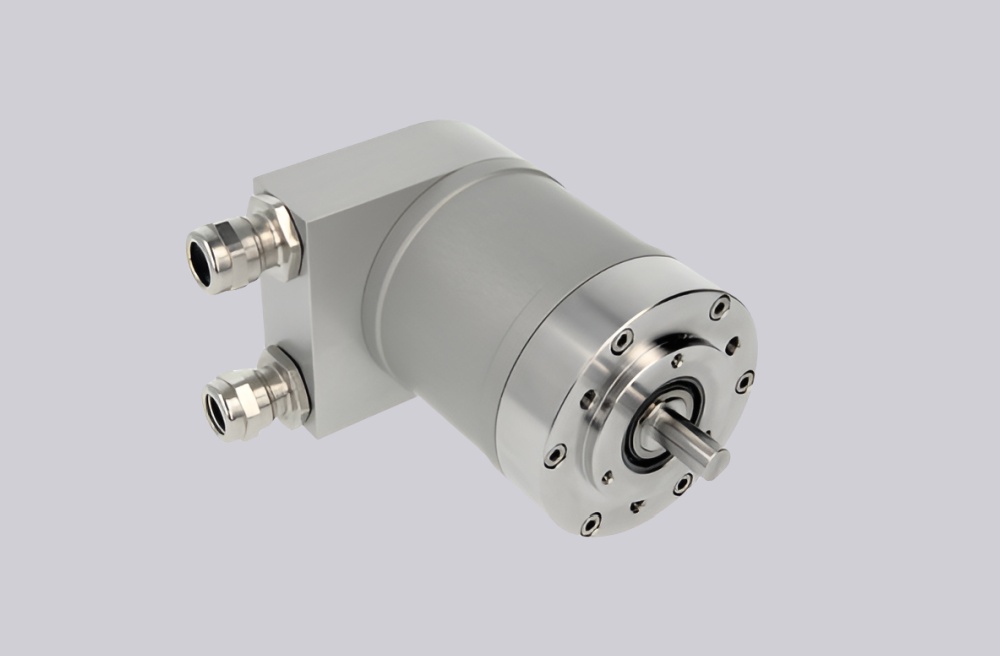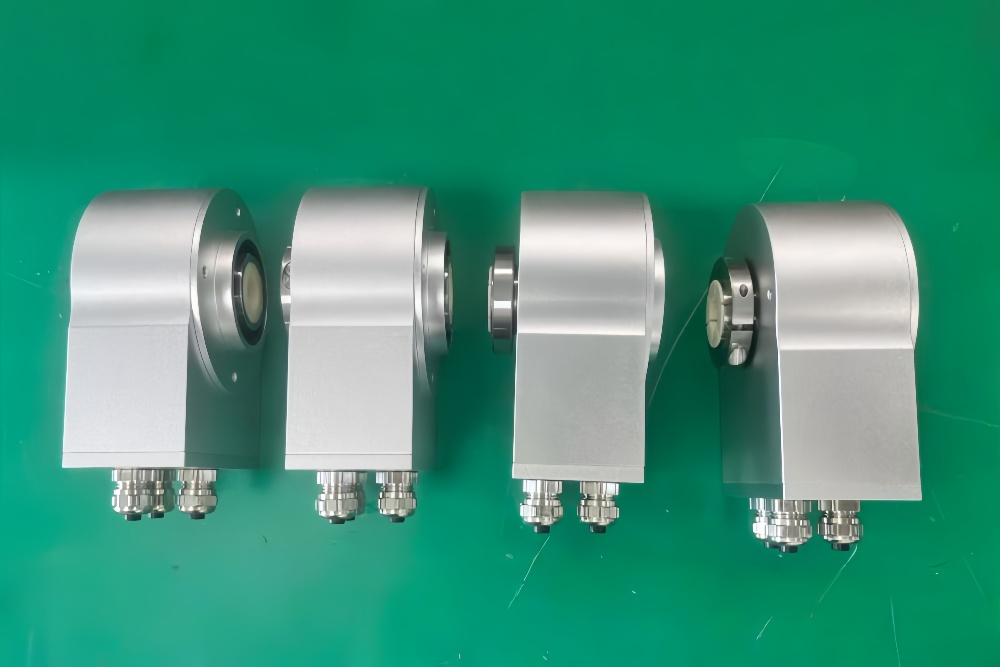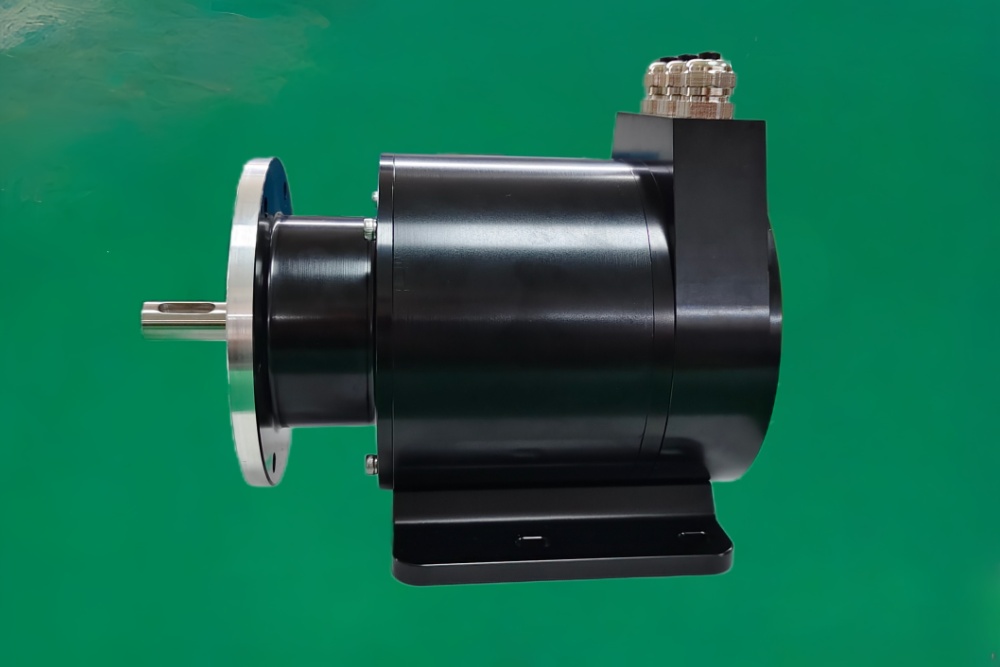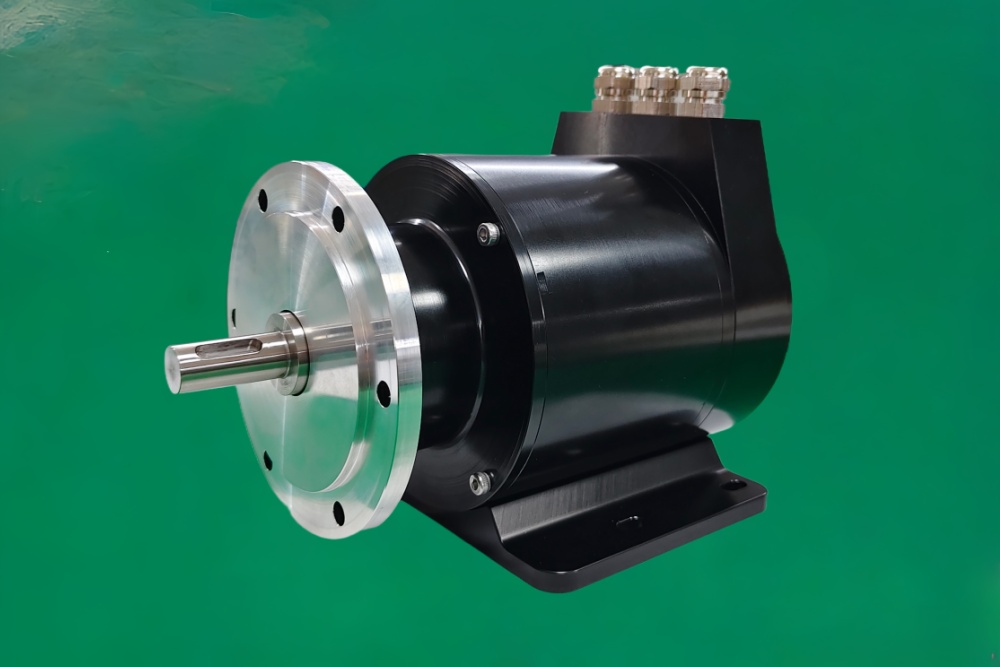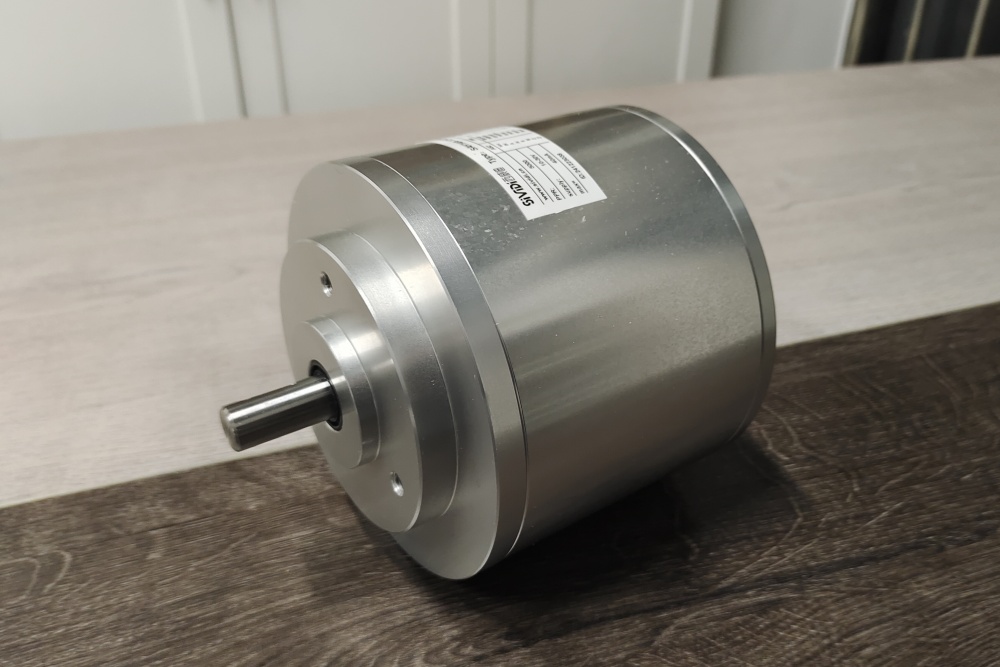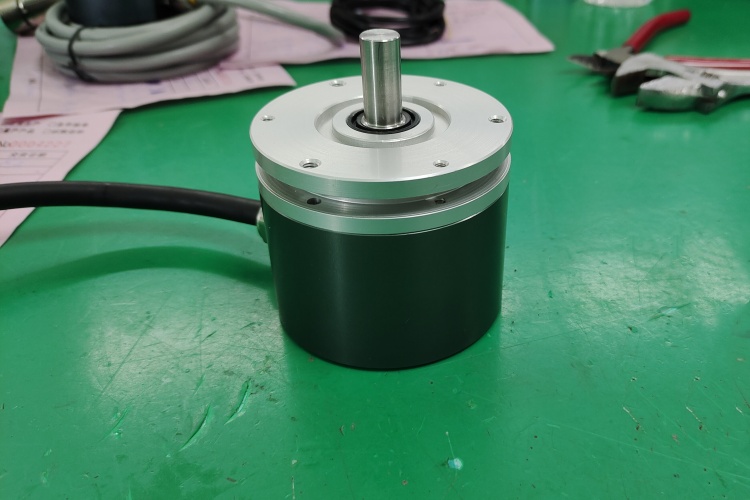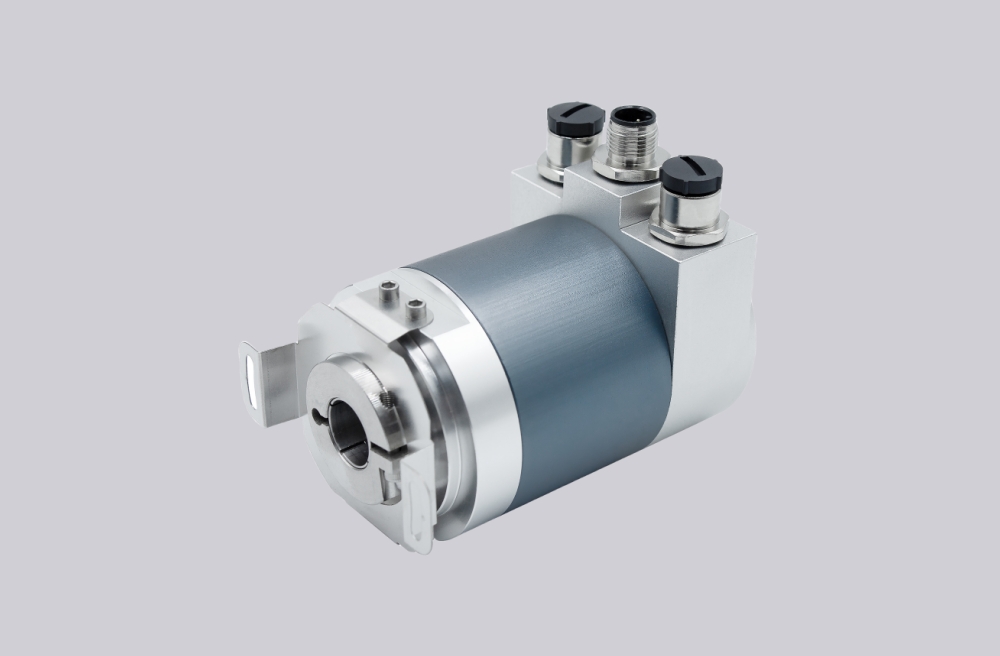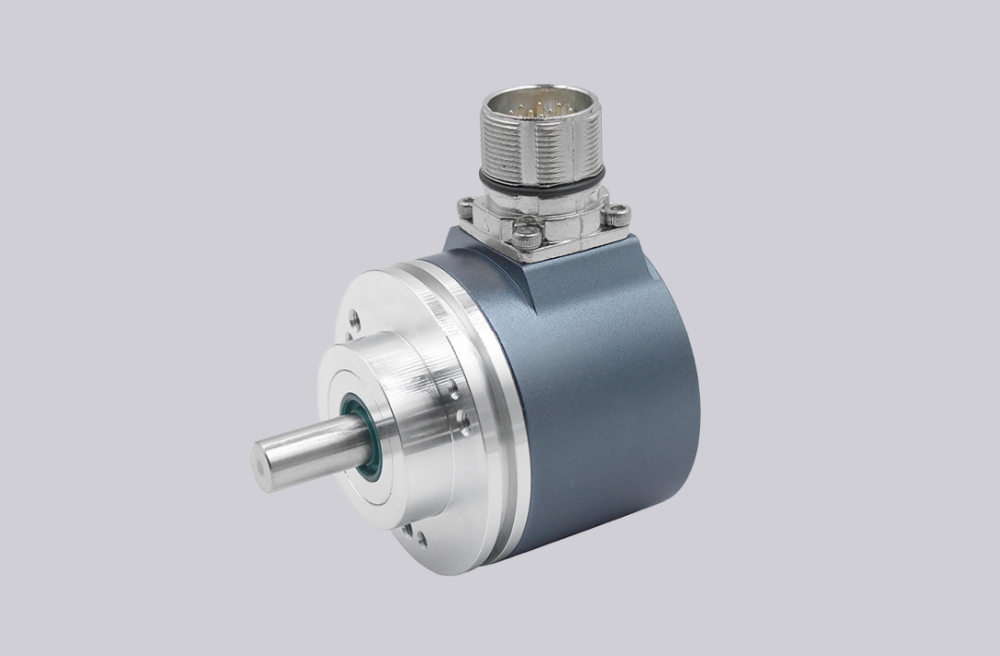




For 8.A247.6832.3113, EncoderWorks can provide a custom compatible replacement solution for large-shaft Profibus absolute encoder systems where the key checks are ø28 mm H7 shaft fit, torque-arm-side locking-ring access, 100 mm torque-arm preload, Profibus node addressing, and GSD-based scaling. This model should not be handled like an encoder-side clamp version, because the locking ring is accessed from the torque-arm side and the clamp-load path, bracket preload, and housing movement risk are different. Typical production lead time: 15 working days.
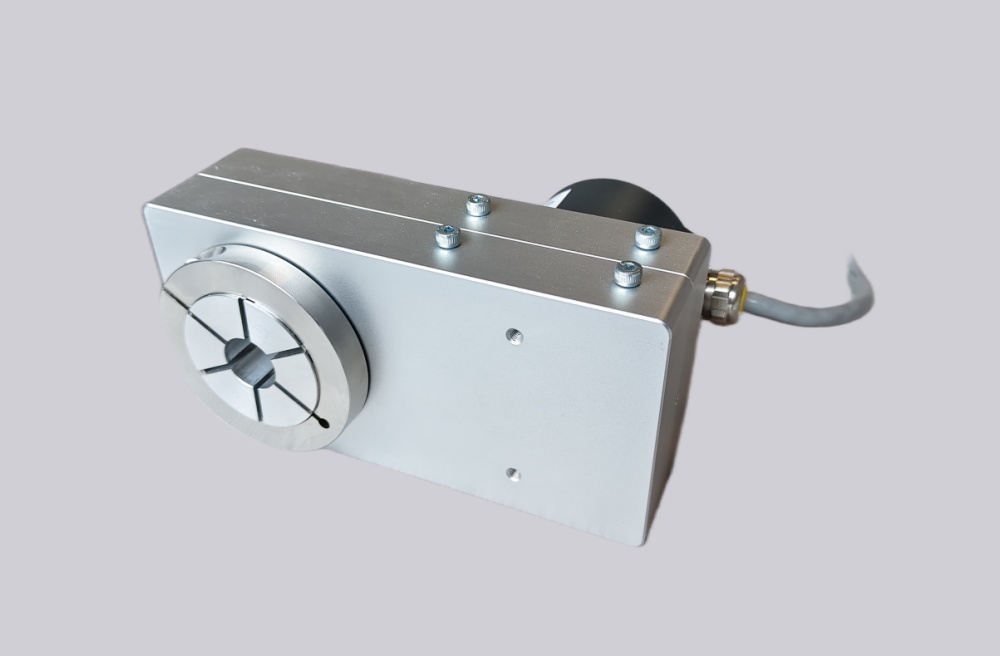
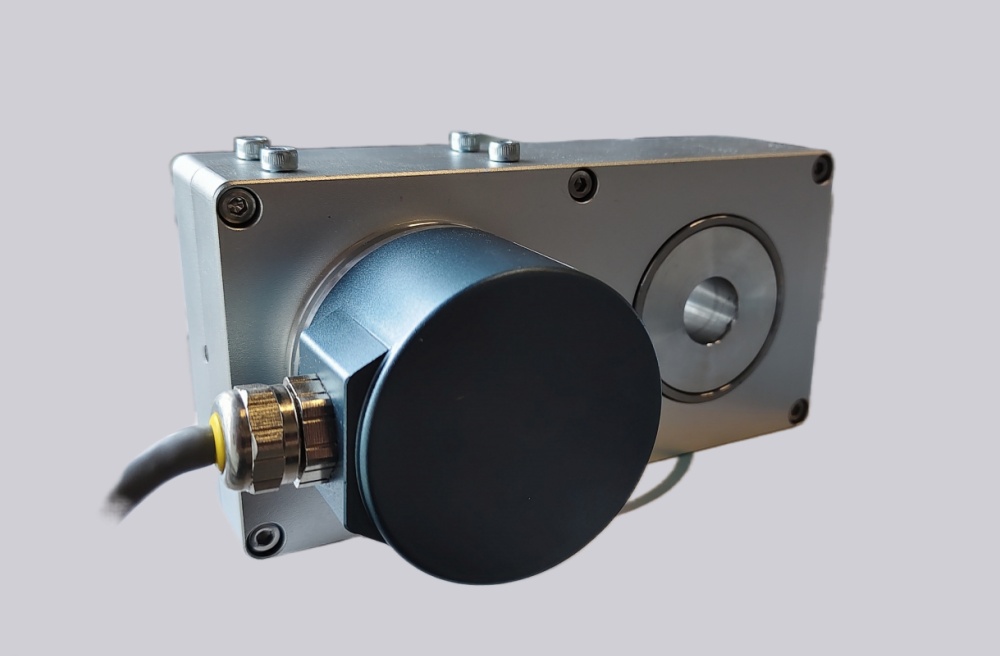
This configuration combines a Kübler AX hollow-shaft adapter with a Sendix 5868 absolute multiturn encoder. The AX section provides a ø28 mm hollow-shaft bore, locking ring on the torque-arm side, and 100 mm torque arm. The encoder body provides Profibus-DP V0 Class 2 absolute position feedback through three radial M12 connectors. Replacement work should focus on shaft fit, clamp access, torque-arm alignment, Profibus address, GSD file, scaling parameters, preset value, counting direction, diagnostic behavior, and shield grounding.
System Limits
The first system limit is AX mechanical installation. The ø28 mm shaft must fit the H7 adapter bore without forcing the clamp, and the locking ring must remain accessible from the torque-arm side after installation. If the torque arm is preloaded or the clamp is tightened against shaft runout, the encoder housing can shift and create repeatability drift.
The second limit is Profibus commissioning. The PLC must preserve the original node address, GSD file, encoder profile, scaling, preset value, counting direction, and diagnostics. A replacement may appear online while still returning the wrong mechanical position if the stored Profibus configuration does not match.
The third limit is the AX operating envelope. The adapter is rated IP64, weighs about 3.5 kg, and has temperature-dependent speed limits. High shaft speed, high ambient temperature, or bracket stress can become the practical failure boundary before the Profibus interface itself becomes unstable.
Wiring & Installation
Before replacement, record the Profibus node address, GSD file, scaling parameters, preset value, counting direction, alarm handling, diagnostic response, and set-button usage from the controller project. Also record the three radial M12 connector assignments for Profibus bus wiring, supply voltage, ground, and shield connection.
During installation, confirm the ø28 mm H7 shaft fit, keep the locking ring on the torque-arm side, and align the 100 mm torque arm without preload. Route Profibus and power cables away from inverter output wiring, maintain shield continuity through the M12 connectors, and avoid ground loops between the encoder housing, machine frame, and cabinet earth. After startup, verify bus status, actual position value, direction, preset response, diagnostics, torque-arm movement, and repeatability over several machine cycles.
Custom Compatible Solution
EncoderWorks can configure the replacement around the installed shaft and Profibus control system:
- Match the AX ø28 mm hollow-shaft adapter, torque-arm-side locking ring, 100 mm torque arm, and mounting envelope
- Preserve Sendix 5868 Profibus-DP V0 Class 2 feedback, GSD setup, scaling, preset, direction, and diagnostic response
- Adapt the three radial M12 connector layout, 10–30 VDC supply range, bus wiring, and shield grounding
- Review clamp torque, shaft fit, torque-arm preload, IP64 installation limits, and temperature-speed operating margin
Key Data
| Item | Data |
|---|---|
| Model | 8.A247.6832.3113 |
| Encoder type | Absolute multiturn encoder with AX hollow-shaft adapter |
| Encoder body | Sendix 5868 |
| Interface | Profibus-DP V0 |
| Protocol | Encoder protocol Class 2 |
| Supply voltage | 10–30 VDC |
| Bore | ø28 mm H7 hollow-shaft adapter |
| Locking ring position | Torque-arm side |
| Torque arm | 100 mm |
| Connection | 3× radial M12 connectors |
| Adapter protection | IP64 |
| Adapter weight | Approx. 3.5 kg |
| Starting torque | Max. 0.15 Nm at 23°C |
| Special option | Set button |