



RS485 and CANopen are both used in industrial encoder systems, but they represent different communication approaches. Although both can support reliable position feedback, their structure, integration method, and system role are not the same. Choosing between them depends less on the encoder itself and more on the control architecture of the machine.
RS485 is fundamentally a serial communication layer. In encoder applications, it is often used with custom serial protocols or simpler master/slave structures. One of its advantages is flexibility. It can be implemented in relatively straightforward systems where the controller reads data from one or several devices on a serial bus. RS485 also performs well in industrial environments because differential transmission offers good resistance to electrical noise.
However, RS485 by itself is not a full high-level communication profile. It defines the electrical transmission method, but the data protocol above that layer depends on system design. This means integration requirements vary from project to project. In practical use, RS485 works well when the control system already supports the required serial communication structure or when a simple custom bus arrangement is sufficient.
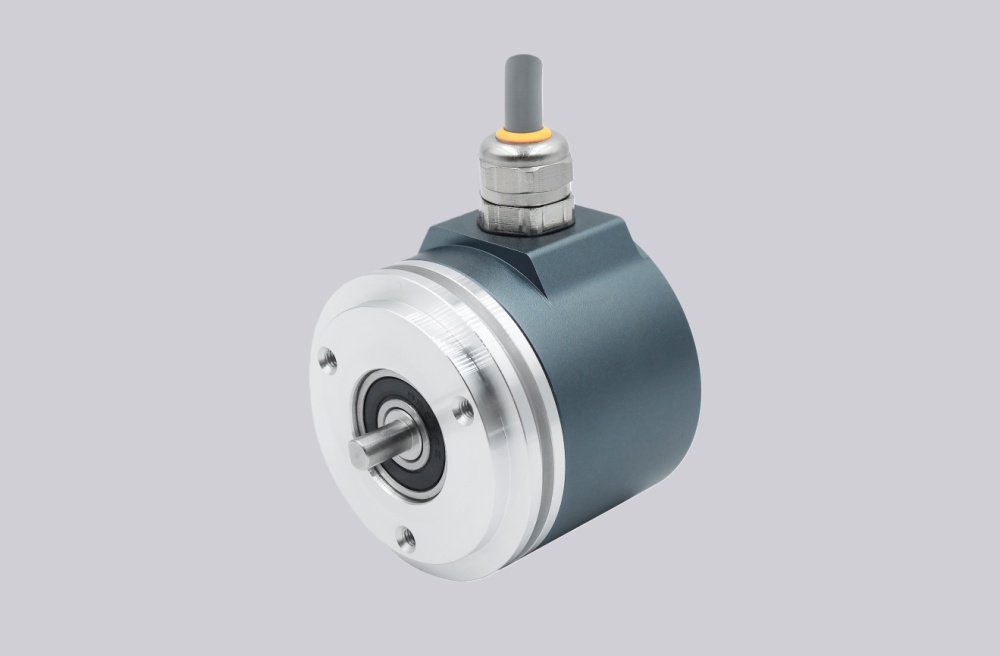
CANopen is different. It is a higher-level bus communication system built on CAN technology and includes standardized communication structures for device integration. In encoder systems, CANopen provides node-based communication, configuration objects, and structured interaction between multiple devices on the same network. This makes it more suitable for distributed automation systems where several intelligent devices must communicate within a defined architecture.
One of the main strengths of CANopen is that it supports more formalized integration. Node ID, baud rate, device profile, and object dictionary handling are all part of the communication environment. This helps when the machine already uses CAN-based control architecture, but it also means commissioning may involve more configuration steps than a simpler RS485 system.
From an engineering perspective, RS485 is often chosen when:
- the controller already supports serial communication
- system structure is relatively simple
- custom protocol handling is acceptable
- cable distance and industrial noise resistance are priorities
CANopen is often preferred when:
- the system uses distributed device communication
- node-based configuration is required
- standardized multi-device integration is important
- the machine architecture is already based on CAN communication
Another important difference appears during commissioning. In RS485 systems, engineers often focus on bus topology, twisted-pair wiring, termination, and communication parameter matching. In CANopen systems, node configuration, device profile handling, and object-level communication become more important. Both systems require careful work, but the engineering effort appears in different places.
Maintenance behavior is also different. RS485 installations may depend more on wiring discipline and protocol matching. CANopen systems may depend more on device configuration and structured network logic. Neither one is automatically easier in every case. The better choice depends on what the control system is already designed to support.
In summary, RS485 and CANopen are not simply alternative connector types. RS485 is more closely associated with flexible serial communication, while CANopen is a more structured network protocol for distributed device integration. The correct choice should be based on controller compatibility, network architecture, commissioning strategy, and long-term maintenance requirements.