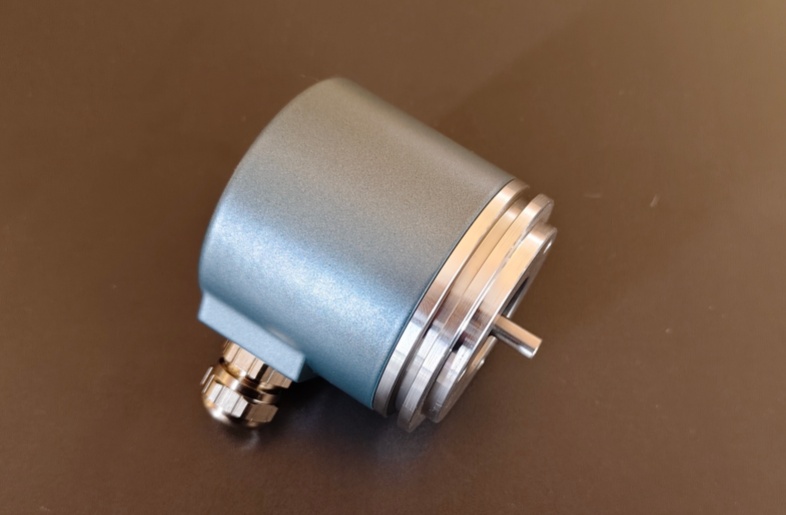




Profibus encoder systems are widely used in industrial automation because they allow absolute position data to be integrated directly into a structured fieldbus network. When communication problems occur, however, the fault is not always caused by the encoder itself. In many cases, Profibus issues are linked to address conflicts, configuration mismatch, connector problems, or commissioning errors at the system level.
The first troubleshooting step should always be device addressing. Every Profibus device on the network must have a unique node address. If the encoder address conflicts with another device, or if the physical switch setting does not match the control system expectation, the encoder may power on normally but still fail to communicate. In practical maintenance work, checking the address is often the fastest first action.
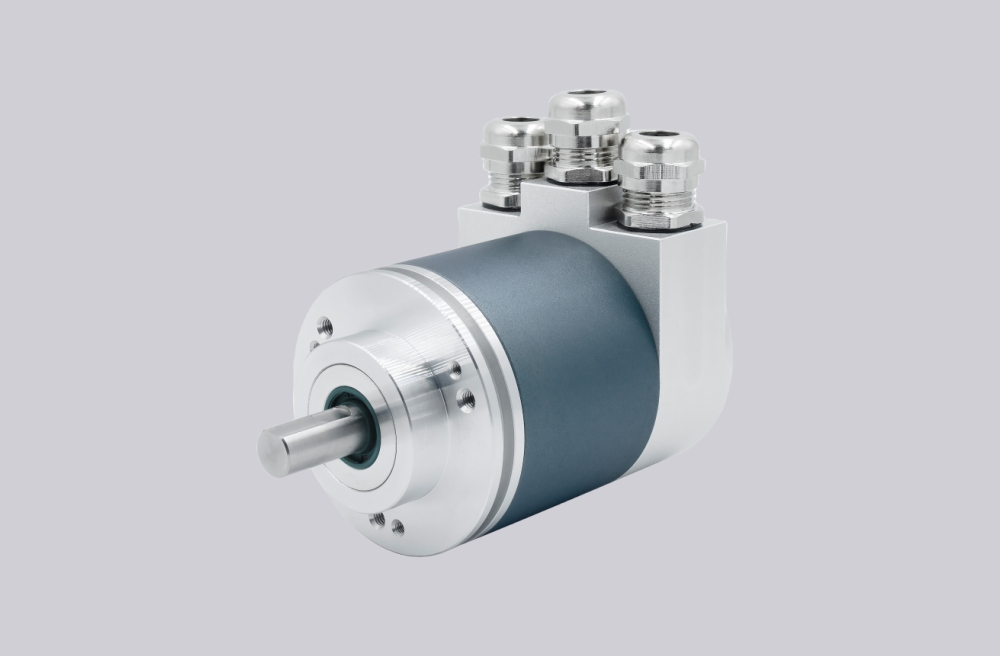
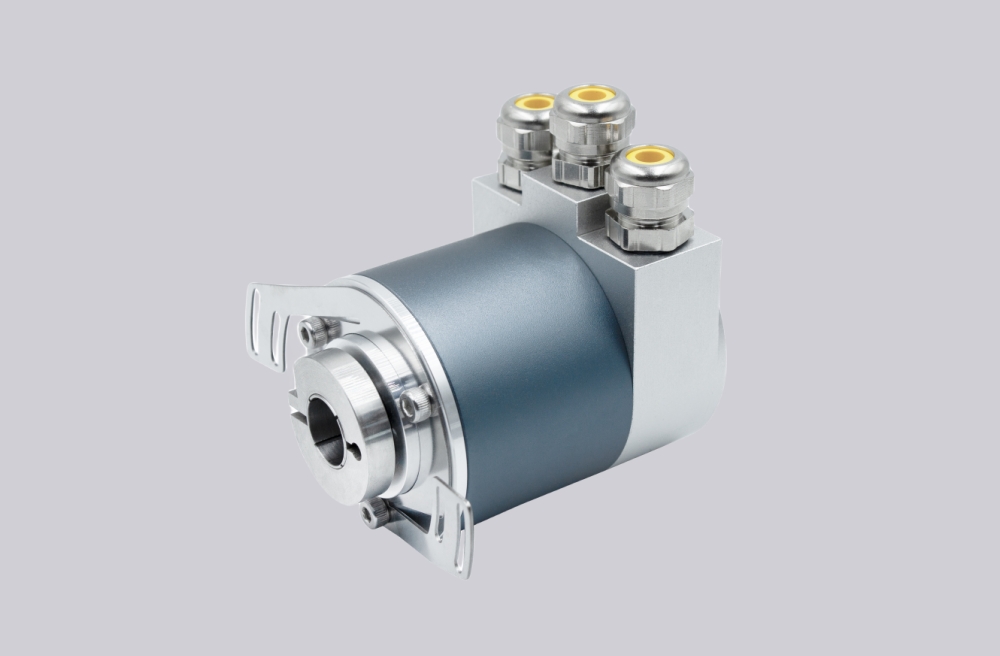
The second major area is controller configuration. Profibus encoders depend on correct device definition inside the PLC or bus master. If the configured device description, data length, or expected communication structure does not match the actual encoder, the network may detect the device incorrectly or fail to interpret the position data properly. This is especially common after replacement, when a new encoder is installed but the original controller settings are left unchanged or are only partially updated.
Physical connection quality is another common source of trouble. Profibus communication depends on stable cable continuity, connector quality, and proper shield handling. Loose connectors, damaged cable sections, or poor shield termination can produce intermittent faults that are difficult to trace. In real field conditions, communication errors often appear only when the machine is running, not when the system is idle.
Parameterization should also be reviewed. Many Profibus encoders support settings such as preset, scaling, rotating direction, and multiturn logic. If these parameters do not match the machine control logic, the system may communicate successfully but still behave incorrectly. For example, position values may change in the wrong direction or appear scaled incorrectly even though bus status shows no error.
Diagnostic information should be used whenever available. Profibus systems often provide more structured feedback than simple serial interfaces, which helps distinguish between physical communication faults and logical configuration problems. Instead of assuming encoder failure immediately, it is better to review controller-side diagnostic messages first.
During troubleshooting, it is useful to separate the problem into three levels:
- physical level – wiring, connector, shielding, power supply
- bus level – address, network communication, device recognition
- application level – parameter logic, scaling, direction, data interpretation
This layered approach prevents wasted time. Many maintenance teams begin by replacing hardware, but the actual problem is often configuration-related.
Replacement projects deserve special attention. A newly installed encoder may have a different default address, parameter set, or internal configuration compared with the removed unit. Even if the electrical connector fits, the device may not function correctly until these details are verified.
In practical engineering, the most efficient troubleshooting sequence is usually:
- verify power and wiring
- confirm address setting
- check controller device configuration
- review parameter logic
- read available diagnostics
Profibus encoder communication is reliable when the system is configured correctly. Most faults can be solved faster when the encoder is treated as part of a bus-controlled automation system rather than as an isolated hardware component.